
How to redeem a secret code
Both the web build and Steam Early Access use the same path: open Settings, choose Secret Codes, type the string, and press Redeem. The current strings are on the codes page, not here.
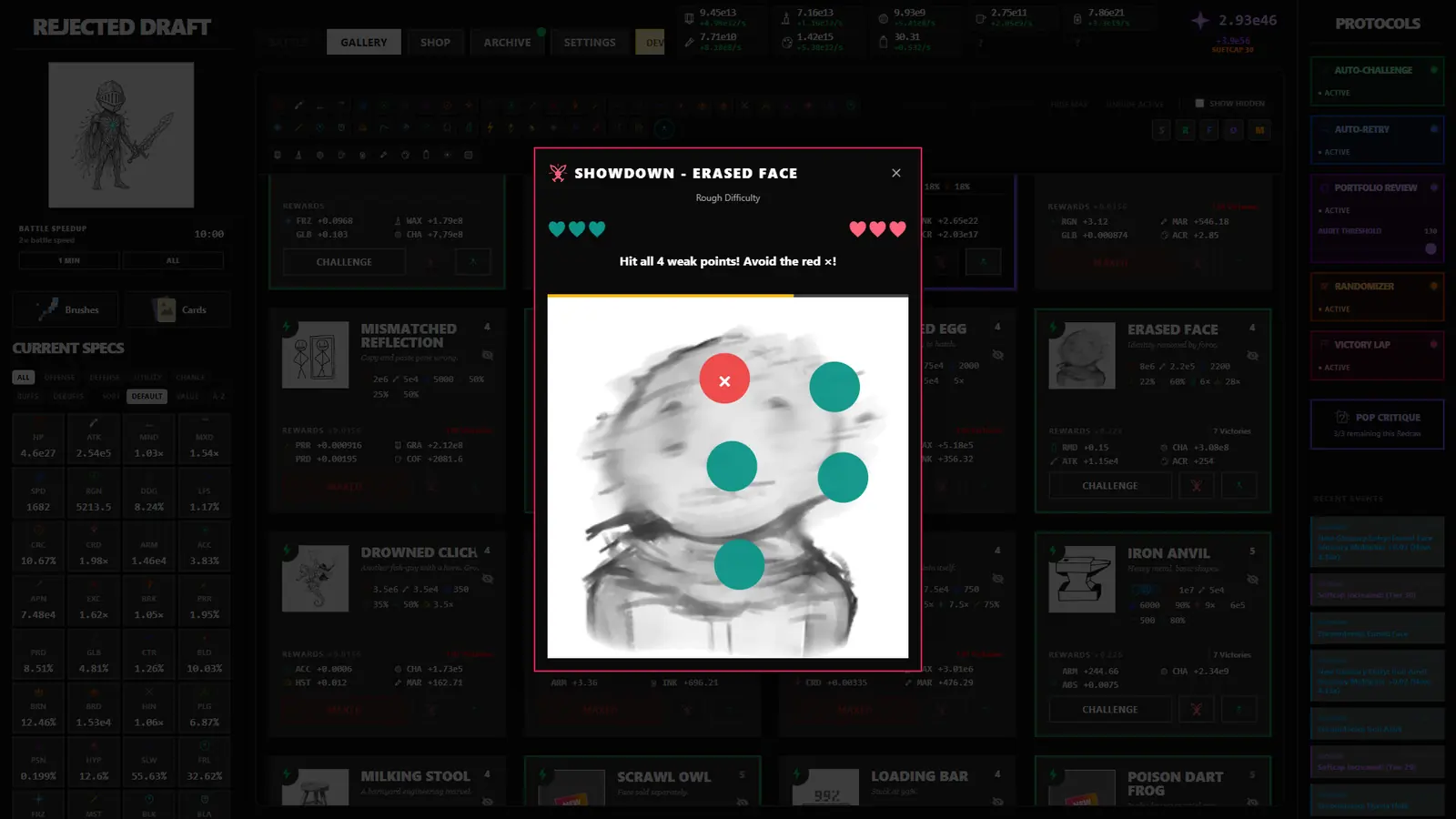
Web version
- Open the official web build, or the embed on the home page after you click Play.
- Open Settings.
- Find Secret Codes.
- Paste the code. The copy button on the codes page puts the exact string on your clipboard.
- Press Redeem. A condition such as "Friday only" or "clear three universes" has to be true already.
Steam Early Access
The Steam release uses the same Settings entry. It does not use a separate store-page code box. Saves are not shared with the web build, so a reward claimed on the web does not appear in a Steam file. The 4 Nov Steam post is the public statement that the two games are separate. Demo progress can move into the paid game with a Quintessence cap of 1e51. That cap is about the demo, not about codes.
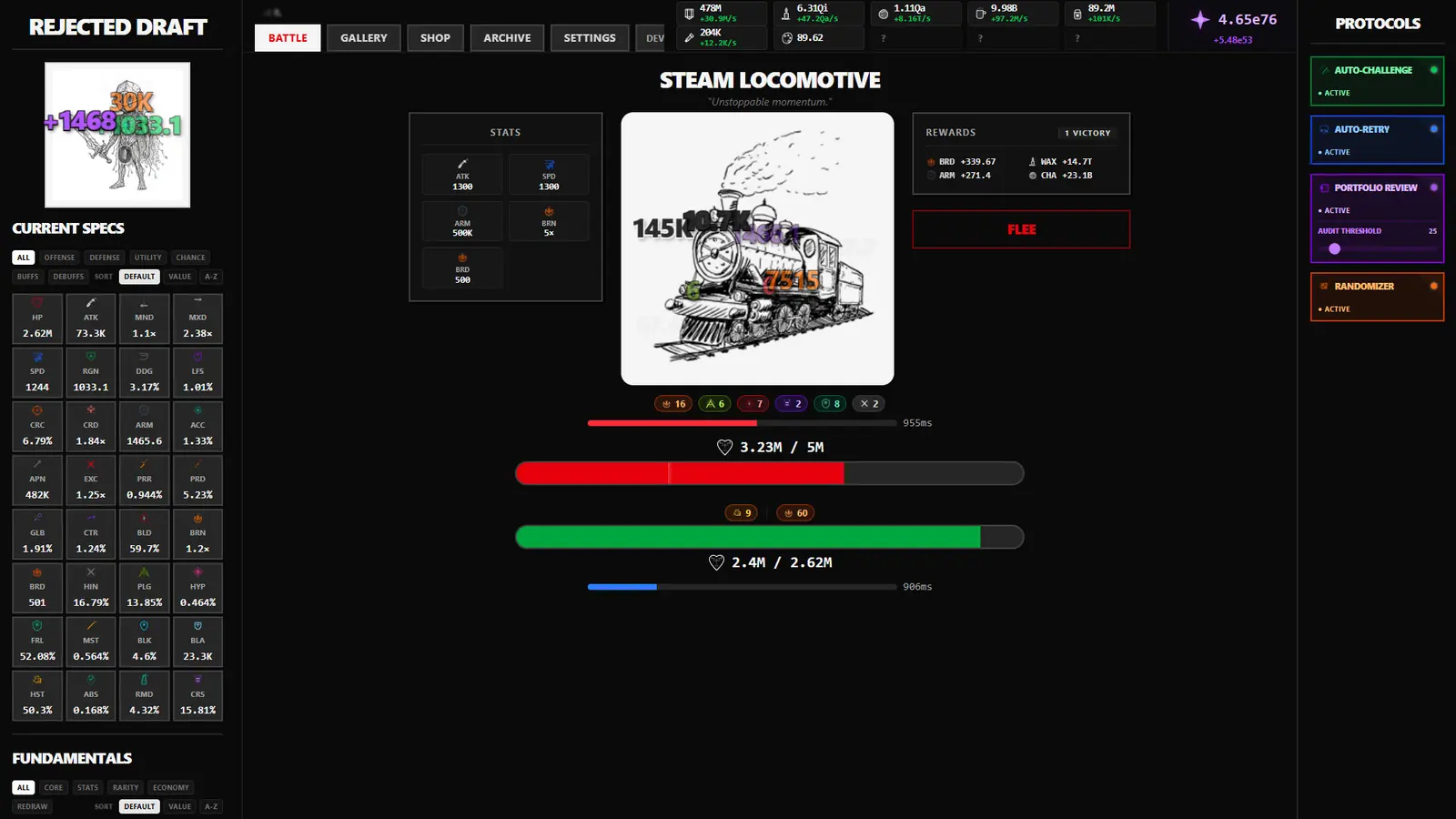
When Redeem does nothing useful
- The code is Friday-only and today is not Friday. TGIFTIMETOGRIND is the public example.
- A universe-clear count is still short. IJUSTWANTADECENTBRUSH requires three universe clears.
- The string has a space or a changed letter. The public codes are one word, all capitals.
- You are looking for a DevTools password. That is a different field, and the password is not public. See DevTools.
Go back to the November 2026 list for the seven strings and their source counts.
Questions
Where is the code box?
Settings, then Secret Codes, then Redeem.
Do web redeems transfer to Steam?
No. The web build and Steam are separate games.
What if the button does nothing?
Check the condition on that row: Friday, universe clears, or an exact string.
Sources
- Official public code reward lookup v0.9763 — checked 2026-11-15
- rejecteddraft.wiki secret codes — checked 2026-11-15
- Steam news for Rejected Draft — checked 2026-11-15